.svg)
A well-designed intranet can make a real difference to your business. It helps with onboarding, improves internal communication, and supports a strong company culture. In this blog, you’ll learn what makes great intranet examples, see how modern intranet design can boost employee engagement, and discover best practices for building a digital workplace that meets your company’s needs. We’ll also cover practical tips, challenges to watch out for, and how to get started with your own intranet site.
What makes great intranet examples
When you look at successful intranet examples, you’ll notice they do more than just share company news. They help employees feel connected, support knowledge sharing, and make it easy to find important information. A good company intranet is designed for real people and their daily needs, not just for storing documents.
Modern intranet design focuses on usability and accessibility. This means employees can quickly find HR policies, onboarding guides, or the latest updates from leadership. The best intranet examples also encourage employees to contribute, ask questions, and recognise each other’s achievements. This keeps employees engaged and helps build a positive workplace culture.

Key strategies for building a successful company intranet
A strong company intranet doesn’t happen by accident. Here are some key strategies that set the best intranet examples apart from the rest:
Start with employee needs
Before you design your intranet, talk to employees across different teams. Find out what information they need, how they want to use the intranet, and what would help them do their jobs better. This ensures your intranet solution is practical and relevant.
Focus on simple navigation
A confusing intranet homepage or menu can frustrate users. Keep navigation clear and logical. Use familiar terms and group related content together so employees can find what they need quickly.
Make HR resources easy to access
HR information, such as policies, benefits, and forms, should be front and centre. This helps new employees get up to speed and makes it easier for everyone to find answers without sending emails or making phone calls. You can find more about managed IT services that can help streamline these processes.
Encourage employee engagement
Add features like discussion boards, recognition tools, or social spaces. These encourage employees to interact, share ideas, and celebrate achievements. This is a key part of a modern intranet.
Use modern intranet platforms
Choose intranet software that supports mobile access, integrates with other tools, and is easy to update. Modern intranet platforms save time and keep your site fresh.
Regularly update content
Stale content makes employees stop using the intranet. Set up a schedule for updating news, events, and resources. Assign content owners to keep things current.
Measure and improve
Track how employees use the intranet. Use feedback and analytics to spot problems and make improvements. This helps with intranet adoption and long-term success.
Essential features of a high-impact intranet
A strong intranet should include these features:
- Easy-to-use search so employees can quickly find documents or contacts
- Personalised dashboards that show relevant updates and tasks
- Secure document storage with clear permissions
- Social features like comments, likes, and recognition tools
- Integration with tools like email, calendars, and chat
- Mobile access for employees working remotely or on the go
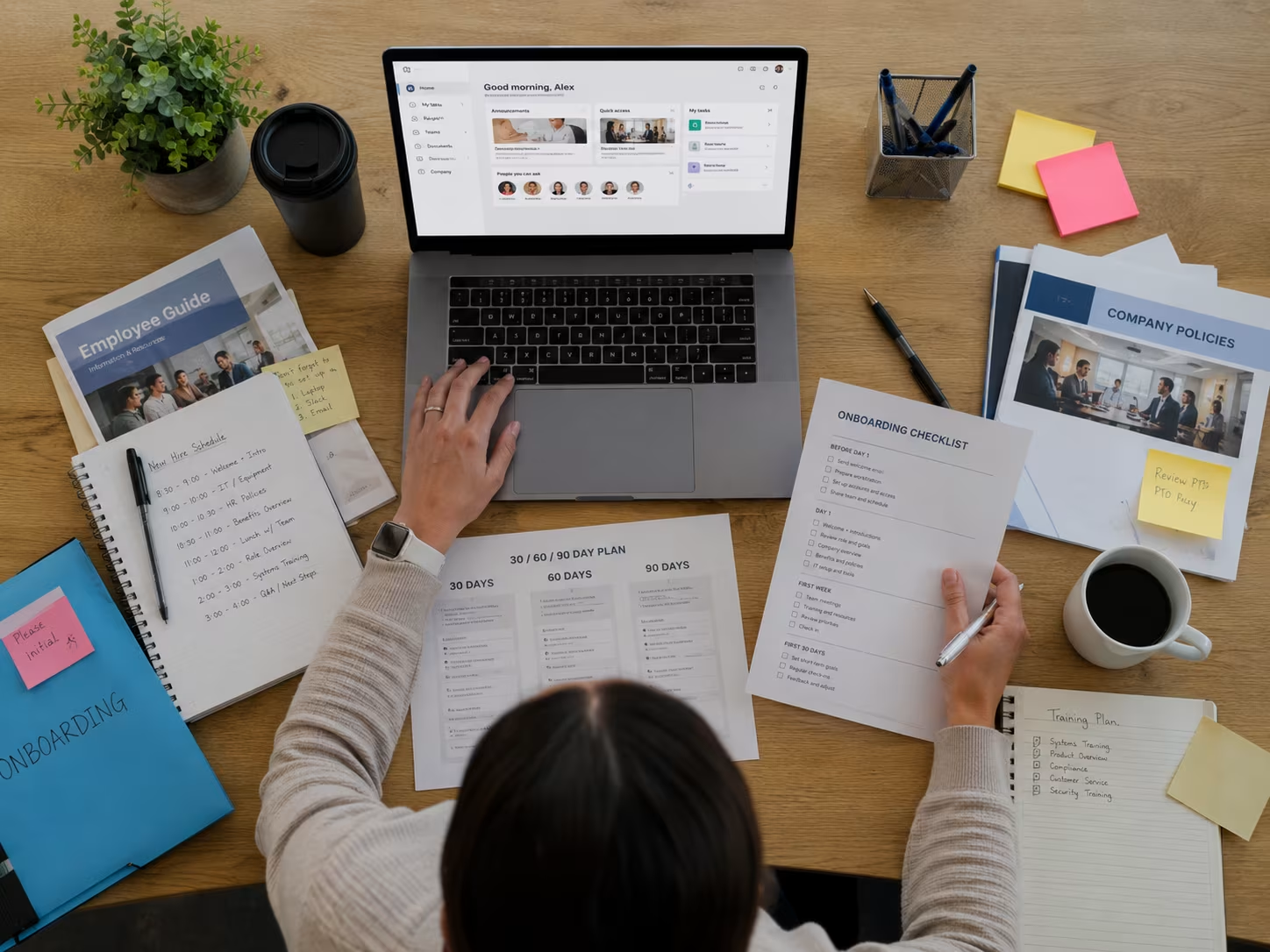
How modern intranet examples improve the digital workplace
Modern intranet examples show how a well-designed intranet can transform the digital workplace. These sites don’t just store information—they help employees work better together. For example, a SharePoint intranet can bring together documents, project updates, and team chats in one place. This makes it easier to collaborate and reduces the time spent searching for files.
A modern intranet also supports remote work. Employees can access the intranet portal from anywhere, which is especially important for companies with flexible work policies. By making company news and resources available to everyone, you help employees feel included and informed, no matter where they are.
Best practices for designing an intranet site
Designing an effective intranet site takes planning. Here are some best practices to follow:
Involve stakeholders early
Get input from HR, IT, and regular employees when planning your intranet. This ensures the site meets everyone’s needs and increases buy-in.
Prioritise the intranet homepage
The homepage is often the first thing employees see. Keep it clean, uncluttered, and focused on key updates or tasks. Avoid overwhelming users with too much information.
Use intranet design best practices
Stick to a consistent layout and style across all intranet pages. Use clear headings, readable fonts, and enough white space to make content easy to scan.
Plan for onboarding and new employees
Create dedicated sections for onboarding materials, training guides, and welcome messages. This helps new employees settle in quickly and reduces questions for HR.
Support knowledge sharing
Add spaces where employees can share tips, documents, or best practices. This builds a culture of learning and helps employees help each other.
Make updates easy
Choose an intranet platform that allows non-technical staff to update content. This keeps the site fresh and reduces the burden on IT.

Practical steps for implementing your intranet solution
Rolling out a new intranet takes careful planning. Start by identifying your main goals—do you want to improve internal communication, streamline HR processes, or boost employee recognition? Once you know your priorities, choose an intranet software that fits your needs and budget.
Next, build a project team with members from different departments. This helps you spot potential issues and ensures the intranet works for everyone. Test the site with a small group before launching to all employees. Gather feedback and make adjustments as needed. Finally, provide training and support to encourage employees to use the intranet and make it part of their daily routine.
Best practices for keeping employees engaged with your intranet
To get the most from your intranet, follow these best practices:
- Share regular company news and updates to keep employees informed
- Highlight employee achievements and recognition on the homepage
- Encourage employees to contribute content or ideas
- Use surveys and feedback tools to find out what employees need
- Offer training and support for new features or updates
- Regularly review analytics to spot areas for improvement
Keeping your intranet relevant and engaging helps employees feel connected and valued.
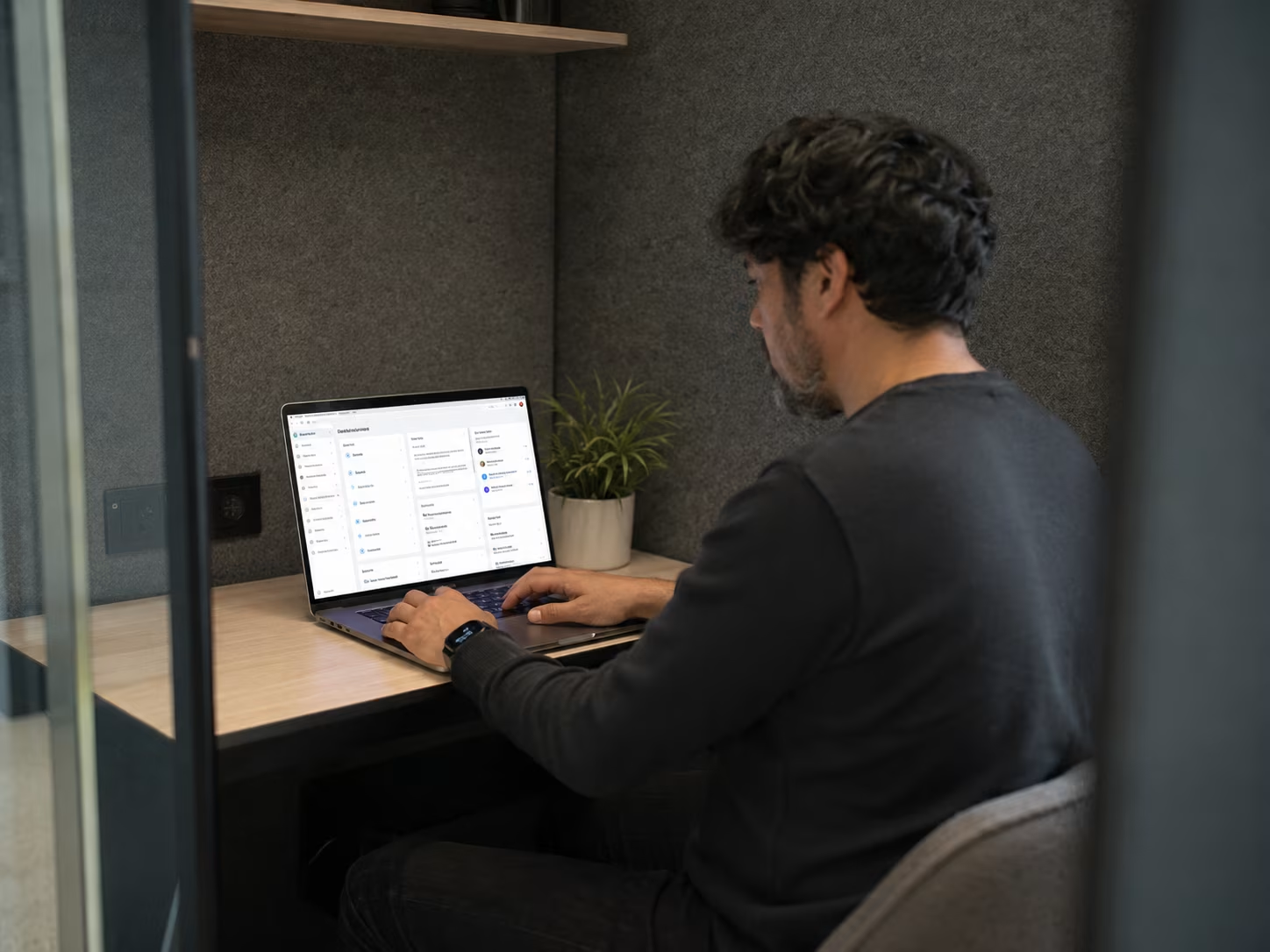
How Sonar IT can help with intranet examples
Are you a business with 15-40 endpoints looking to improve your internal communication and employee experience? If you’re growing and need a reliable intranet solution that keeps your team connected, we can help you design and implement a company intranet that fits your needs.
Our team at Sonar IT understands the challenges of building a modern intranet. We’ll work with you to create a site that supports onboarding, knowledge sharing, and employee engagement. Contact us today to see how we can help your business succeed.
Frequently asked questions
What is the most important feature of a modern intranet?
A modern intranet should make it easy for employees to find information and connect with each other. Features like a clear intranet homepage and strong search tools help employees across different teams stay informed and work together efficiently.
It’s also important to include tools for internal communication and knowledge sharing. This encourages employees to use the intranet regularly and helps build a positive company culture.
How can a company intranet improve employee engagement?
A company intranet can boost employee engagement by making it simple to recognise achievements and share company news. Features like discussion boards and employee recognition tools encourage employees to interact and feel valued.
When employees feel connected and informed, they are more likely to contribute ideas and stay engaged. This helps create a workplace where everyone feels included and motivated.
What are some best practices for intranet design?
Start by understanding your employee needs and use that information to guide your intranet design. Keep navigation simple and make sure important resources, like HR documents and onboarding guides, are easy to find.
Regularly update your intranet site with fresh content and encourage feedback from employees. This helps with intranet adoption and ensures your site stays relevant.
How do you measure the success of an intranet site?
Track how employees use the intranet page by reviewing analytics and collecting feedback. Look for patterns in what employees access most and where they might get stuck.
Use this data to improve your intranet solution and address any gaps. Regular reviews help keep your intranet effective and aligned with business goals.
What challenges should I expect when launching a new intranet?
Common challenges include getting employees to use the intranet and keeping content up to date. Plan for training and support to help employees feel comfortable with the new system.
Assign content owners to keep information current and encourage employees to contribute. This helps maintain a perfect intranet that employees love to use.
How can I encourage employees to use the intranet regularly?
Make the intranet relevant by sharing updates, recognising achievements, and offering useful resources. Use surveys to find out what employees want and adjust your site accordingly.
Highlight new features or content on the intranet homepage and reward employees who contribute. This keeps employees engaged and ensures your intranet remains a valuable tool.





%20(1)%20(1).avif)


