
Enforcing DMARC without first checking aggregate reports can quietly block legitimate emails from tools you use every day. Messages like invoices or newsletters may never reach their recipients, and you might not realise they were rejected.
When a domain isn't properly locked down, mail can simply vanish - no bounce-back, no warning, just an invoice that never lands or a newsletter nobody opens. That's the real stake sitting behind the question of what is DMARC.
DMARC stands for Domain-based Message Authentication, Reporting and Conformance, a protocol built on top of two other checks - SPF and DKIM - that tells receiving mail servers whether a message claiming to come from your domain can actually be trusted.
Stopping phishing and spoofing is the whole point of it, though we'd say the setup matters just as much as having it switched on at all - push the strict rules through too fast and you can end up blocking mail you genuinely wanted delivered.
Getting a handle on how DMARC actually behaves - and where it can quietly swallow a legitimate message - is roughly the difference between catching a missed invoice early and finding out months later that nobody got paid.

Why DMARC enforcement can disrupt trusted business tools
Enforcing DMARC without reading the reports it generates first puts your own tools at risk of being blocked. Plenty of businesses lean on invoicing platforms, marketing software or a CRM to send mail using their domain, and if those tools were never properly authorised, DMARC treats them as suspicious by default.
That happens because DMARC's whole job is checking whether the sender is allowed to use your domain in the first place, so when a tool fails that check, its email gets rejected or quietly dropped into spam - even when every word of it was legitimate.
The trouble is there's usually no warning attached: the sender assumes it landed, and the recipient never sees a thing.
For companies in London, where customer expectations and regulatory scrutiny both run high, that kind of silent failure can strain a relationship before anyone realises what's gone wrong - you might only clock it when someone asks why an invoice or newsletter never turned up.
How DMARC works with SPF and DKIM explained
Working out why a legitimate email gets blocked means understanding how DMARC leans on SPF and DKIM to make its decision. SPF is essentially a list of which mail servers are allowed to send on your behalf, while DKIM attaches a digital signature to each message so the receiving server can tell it wasn't altered in transit.
DMARC then takes the result of both checks and decides what happens next - reject the message, quarantine it, or let it through anyway - and how tough that decision is depends on how strict you've set the policy.
Add a new sending tool without updating your SPF record or DKIM setup, though, and DMARC has no way of knowing it's one of yours; it'll treat the mail as unauthorised, which is exactly why reviewing the aggregate reports before flipping to a strict policy matters so much.
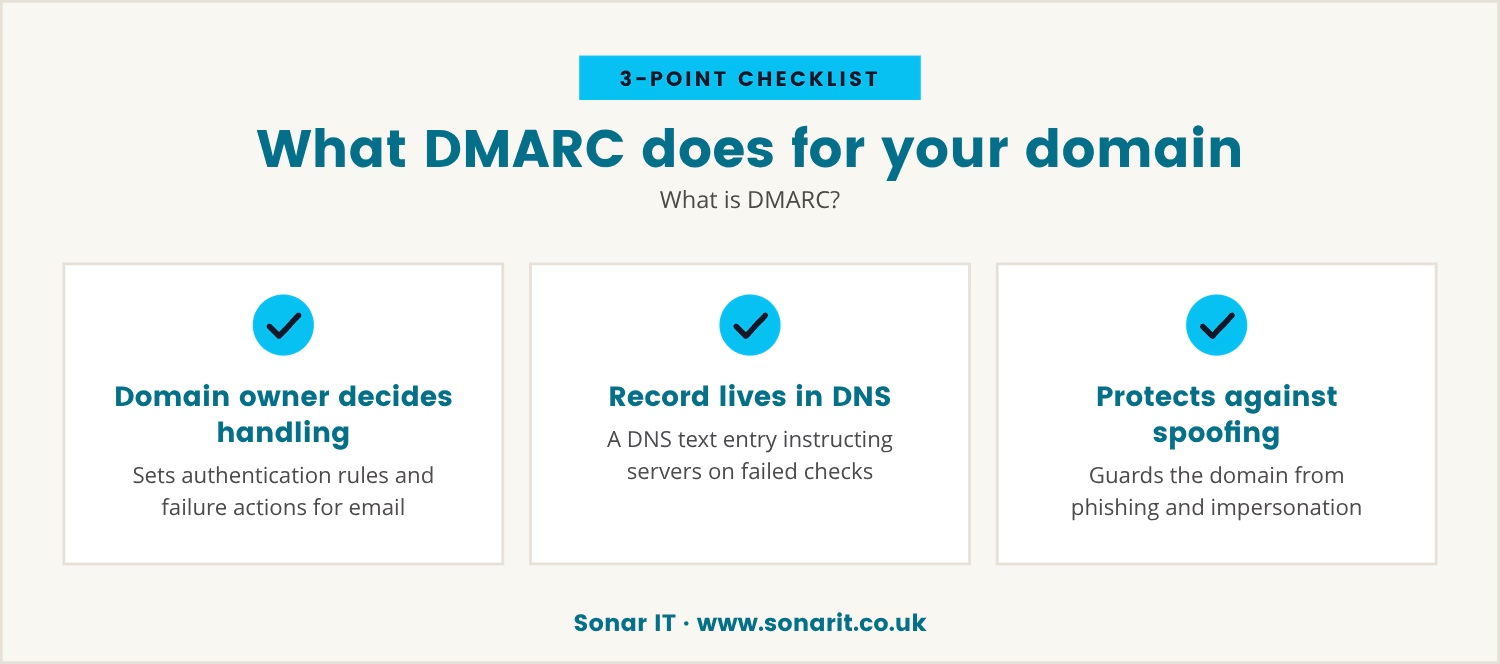
What is DMARC?
DMARC is the protocol that lets a domain owner decide how their email gets authenticated and what should happen when a message fails that check. It builds on SPF and DKIM to give you both visibility and control over your own email traffic.
A DMARC record itself is just a line of text sitting in your domain's DNS, telling receiving servers how to treat anything that fails SPF or DKIM, and asking for reports back so you can see what's passing and what isn't.
Putting DMARC in place protects your domain from being used for phishing or spoofing - that much we'd stand by - but it also hands you the job of making sure every legitimate sender is properly set up, and skipping the reporting stage is, we think, how you end up blocking mail you actually wanted to send.
The silent fallout: What can go missing when DMARC is misapplied
Enforcing DMARC without careful review tends to cause damage you can't see happening - legitimate mail from trusted tools gets blocked with nothing to flag that it ever went wrong. Here's the kind of everyday message that can quietly disappear:
- Invoices: billing systems sending on your behalf; if their servers aren't authorised, clients never see the email land.
- Marketing newsletters: campaign tools using their own servers; without SPF and DKIM lined up properly, your newsletters can vanish straight out of inboxes.
- CRM notifications: updates or alerts from your CRM can fail DMARC checks if the right DNS records were never added.
- Password resets: these security emails can get silently rejected, leaving people locked out of their own accounts.
- Order confirmations: e-commerce platforms sending confirmations under your domain can have them blocked without anyone noticing.
What makes this genuinely risky is the silence around it - you likely won't know a message was blocked until somebody tells you, and by then whatever it was meant to do has already not happened.
Reading DMARC aggregate reports: The missing step before enforcement
Before switching your DMARC policy over to "reject" or "quarantine", it's worth reading through the aggregate reports DMARC already gives you, since they show exactly which emails are passing and which are failing, and who's actually sending under your domain.
Working through those reports tends to surface legitimate services that are failing the checks, which gives you a window to fix SPF and DKIM before anything gets locked down - and it's the same process that flags unauthorised senders trying to spoof your domain in the first place.
Skipping that step is a bit like locking every door without checking who's still inside: you might keep the threats out, sure, but you could just as easily lock out your own team, or your customers.
Steps to avoid silent email loss with DMARC
Getting DMARC right is less about one clever setting and more about working through a careful sequence of checks, each one closing off a way legitimate mail could get caught by mistake.
Identify all legitimate email sources
Start by listing every service and tool that sends mail using your domain - marketing platforms, invoicing systems, any third-party provider you can think of. Missing one here is usually where the trouble starts later.
Update SPF and DKIM records for each sender
Each sender on that list needs a place in your SPF record and DKIM signing set up properly behind it. Without that, DMARC has no way of recognising them as yours.
Add a DMARC record in monitoring mode
Begin with the policy set to "none", which lets reports come in without blocking a single email. That gives you a clear picture of what's actually happening before you touch anything else.
Review DMARC aggregate reports regularly
Work through the reports to see what's passing and what's failing, and keep an eye out for legitimate senders that need adjusting. This is the step most likely to get skipped, and the one that matters most.
Adjust records before enforcing stricter policies
Only move to "quarantine" or "reject" once you're confident every legitimate sender is passing cleanly. That's what keeps enforcement from catching the wrong mail.
Communicate changes to your team
Let your staff know changes are happening and what to flag if something seems off. If anyone mentions a missing email afterwards, that's your cue to go back through the reports.
Why silent failures are hard to spot and fix
One of the hardest parts of DMARC enforcement is that blocked emails typically leave no trace at all - no bounce-back for the sender, no email for the recipient, nothing to point troubleshooting in the right direction.
Businesses in London juggling a mix of local and global tools can find this particularly awkward to untangle, and as far as we can tell the only real defence is watching the DMARC reports and reacting quickly when something looks off.
Ever wondered why a client never got an invoice, or why a campaign's numbers came in lower than expected? A silent DMARC failure is as good a guess as any, and reviewing your reports regularly is probably the simplest way to keep mail actually arriving.
The business cost of skipping DMARC report review
Skipping DMARC report review before enforcing a strict policy carries a real cost - missed invoices delay payment, lost marketing mail cuts into sales, and blocked notifications just frustrate whoever's waiting on them.
Those costs stack up quietly over time, and even one missed message can dent trust with a client or cause confusion on your own team - the whole problem being that you often don't notice until the damage is already sitting there.
Taking the time to read through the reports and tidy up your records is, we'd say, a pretty small ask next to what a run of silent failures could actually cost you.

How we help businesses avoid silent email failures
Many businesses with 15 to 40 endpoints set up DMARC expecting stronger security, only to find out too late that important emails have gone missing. At Sonar IT, we see how easily this can happen when DMARC is enforced without reviewing the reports first.
If you want to see how we approach DMARC setup and monitoring—or want to talk about your own email setup—our team is here to help.
Worried about silent email losses?
You can try Sonar IT for your first 30 days free, and our £3,000 satisfaction guarantee means your business email is protected from the start.
[.c-button-wrap2][.c-button-main2]Start your free 30 days[.c-button-main2][.c-button-wrap2]
Frequently asked questions
How do I know if my DMARC record is set up correctly?
Online checker tools will tell you whether your DMARC record is formatted correctly in DNS, whether the policy is active, and what action it takes on a failed message. Worth pairing that with a look at the aggregate reports too, just to confirm your legitimate mail is actually passing.
What should I look for in a DMARC report?
A DMARC report lists every server sending mail under your domain and whether each one cleared SPF and DKIM. Flag any legitimate service failing those checks alongside anything unfamiliar that might be attempting to spoof your domain, and sort both before moving to a stricter policy.
Can DMARC help protect against phishing and spoofing?
Yes - DMARC's job is confirming that mail actually comes from an authorised source, which stops fake messages going out that look like they're from your domain. Set up properly, it protects your staff, your customers, and your reputation in one go.
What is the difference between SPF and DKIM?
SPF lists which mail servers are allowed to send for your domain, while DKIM attaches a digital signature proving a message wasn't altered along the way. DMARC leans on both, and having each one properly configured strengthens your email security overall.
How often should I review my DMARC reports?
Somewhere around once a month is a reasonable baseline, and definitely any time you add a new tool or service that sends mail on your behalf. Regular checks are what catch authentication problems before they turn into missed mail.