.svg)
Small businesses are increasingly being targeted by cyber threats, and the risks are growing. A single cyber attack can lead to a data breach, financial loss, and damage to your reputation. In this blog, you'll learn the most effective cybersecurity best practices for small businesses, including how to prevent phishing attacks, secure sensitive data, and reduce vulnerabilities. Whether you're a small business owner or managing IT for a growing team, these tips will help protect your business from common threats like ransomware, malicious software, and unauthorised access.
[.c-button-wrap2][.c-button-main2]Contact Us[.c-button-main2][.c-button-wrap2]
Understanding cybersecurity best practices for small businesses
Cybersecurity isn’t just for large enterprises. Small businesses are often easier targets for cyber criminals because they may lack the security measures that larger companies have in place. That’s why following cybersecurity best practices for small businesses is essential.
At its core, cybersecurity involves protecting your systems, networks, and data from unauthorised access or attacks. For a small business, this means securing everything from your Wi-Fi network to employee devices. It also includes training your team to recognise threats like phishing emails and ensuring your software is always up to date.
By building a strong foundation of cybersecurity, you reduce the risk of a breach and improve your overall security posture. This not only protects sensitive information but also helps maintain customer trust and meet compliance requirements.

Key strategies to strengthen your small business cybersecurity
There are several practical steps you can take to improve your cyber defences. Below are some of the most effective strategies small businesses should follow.
Strategy #1: Use strong, unique passwords
Weak or reused passwords are one of the easiest ways for attackers to gain access. Make sure every account uses a strong, unique password. Consider using a password manager to help your team manage them securely.
Strategy #2: Enable multi-factor authentication (MFA)
MFA adds an extra layer of protection by requiring a second form of verification, such as a code sent to your phone. This makes it much harder for cyber criminals to access your systems, even if they have a password.
Strategy #3: Keep software and systems updated
Outdated software often contains vulnerabilities that hackers can exploit. Set up automatic updates for your operating systems, antivirus tools, and business applications to stay protected.
Strategy #4: Train employees on phishing awareness
Phishing emails are a common way to trick users into giving away sensitive data. Regular training helps your staff spot suspicious messages and avoid clicking harmful links or attachments.
Strategy #5: Back up your data regularly
Regular backups ensure you can recover your data in case of a ransomware attack or hardware failure. Store backups in a secure, off-site location or use a reliable cloud service.
Strategy #6: Limit access to sensitive information
Not every employee needs access to all data. Use role-based access controls to restrict who can view or edit sensitive information. This reduces the risk of accidental or intentional misuse.
Strategy #7: Use antivirus and anti-malware tools
Install reputable antivirus and anti-malware software on all devices. These tools help detect and block malicious software before it can cause harm.
Key benefits of following cybersecurity best practices
Implementing strong cybersecurity practices offers several advantages:
- Reduces the risk of data breaches and cyber attacks
- Builds customer trust by protecting their information
- Helps meet compliance requirements and avoid penalties
- Minimises downtime caused by security incidents
- Protects financial assets and sensitive business data
- Improves your overall business cybersecurity posture
Why cyber threats are increasing for small businesses
Cyber criminals are increasingly targeting small businesses because they often lack the resources to defend themselves effectively. Unlike larger businesses, many small companies don’t have dedicated IT teams or formal cybersecurity policies in place.
This makes them more vulnerable to attacks like ransomware, phishing, and unauthorised access. In many cases, attackers use automated tools to scan for weaknesses, such as open ports or outdated software. Once inside, they can steal sensitive data, encrypt files for ransom, or disrupt operations.
Investing in cybersecurity doesn’t have to be expensive or complex. Even basic steps like using strong passwords, updating software, and training staff can make a big difference.
Practical cybersecurity tips for small businesses
Improving your cyber defences doesn’t have to be overwhelming. Here are some practical tips that can help you stay secure.
Tip #1: Create a cybersecurity policy
A clear policy outlines how your business handles data, passwords, and devices. It sets expectations for employees and helps ensure consistency across your team.
Tip #2: Use secure Wi-Fi networks
Make sure your business Wi-Fi is encrypted and password-protected. Avoid using default router settings, and consider setting up a separate network for guests.
Tip #3: Monitor user activity
Keep an eye on who is accessing your systems and when. Unusual activity could be a sign of a breach or unauthorised access.
Tip #4: Encrypt sensitive data
Encryption protects your data by making it unreadable to anyone without the correct key. Use encryption for files stored on devices and data sent over the internet.
Tip #5: Review access permissions regularly
Over time, employees may change roles or leave the company. Regularly review and update access permissions to ensure only the right people have access to sensitive systems.
Tip #6: Invest in cyber insurance
Cyber insurance can help cover the costs of a data breach or cyber attack. It’s a useful safety net that can support your recovery efforts.

How to implement cybersecurity best practices effectively
Putting these best practices into action starts with a plan. Begin by assessing your current security posture—identify what’s already in place and where the gaps are. This could include reviewing your password policies, checking for outdated software, or evaluating employee awareness.
Next, prioritise actions based on risk. For example, if you don’t have backups in place, that should be addressed immediately. If your team isn’t trained on phishing, schedule a training session. Assign responsibilities so everyone knows what they need to do.
Finally, make cybersecurity part of your regular business operations. Review your policies and systems regularly, and stay informed about new threats and solutions.
Best practices for maintaining strong cybersecurity
Once you’ve implemented your cybersecurity plan, it’s important to maintain it over time. Here are some best practices to follow:
- Review and update your cybersecurity policy every 6–12 months
- Conduct regular training sessions for all employees
- Test your backups to make sure they work
- Monitor systems for unusual activity or vulnerabilities
- Stay informed about new threats and software updates
- Work with a trusted IT partner to support your efforts
Following these steps will help you protect your business and keep your data safe.
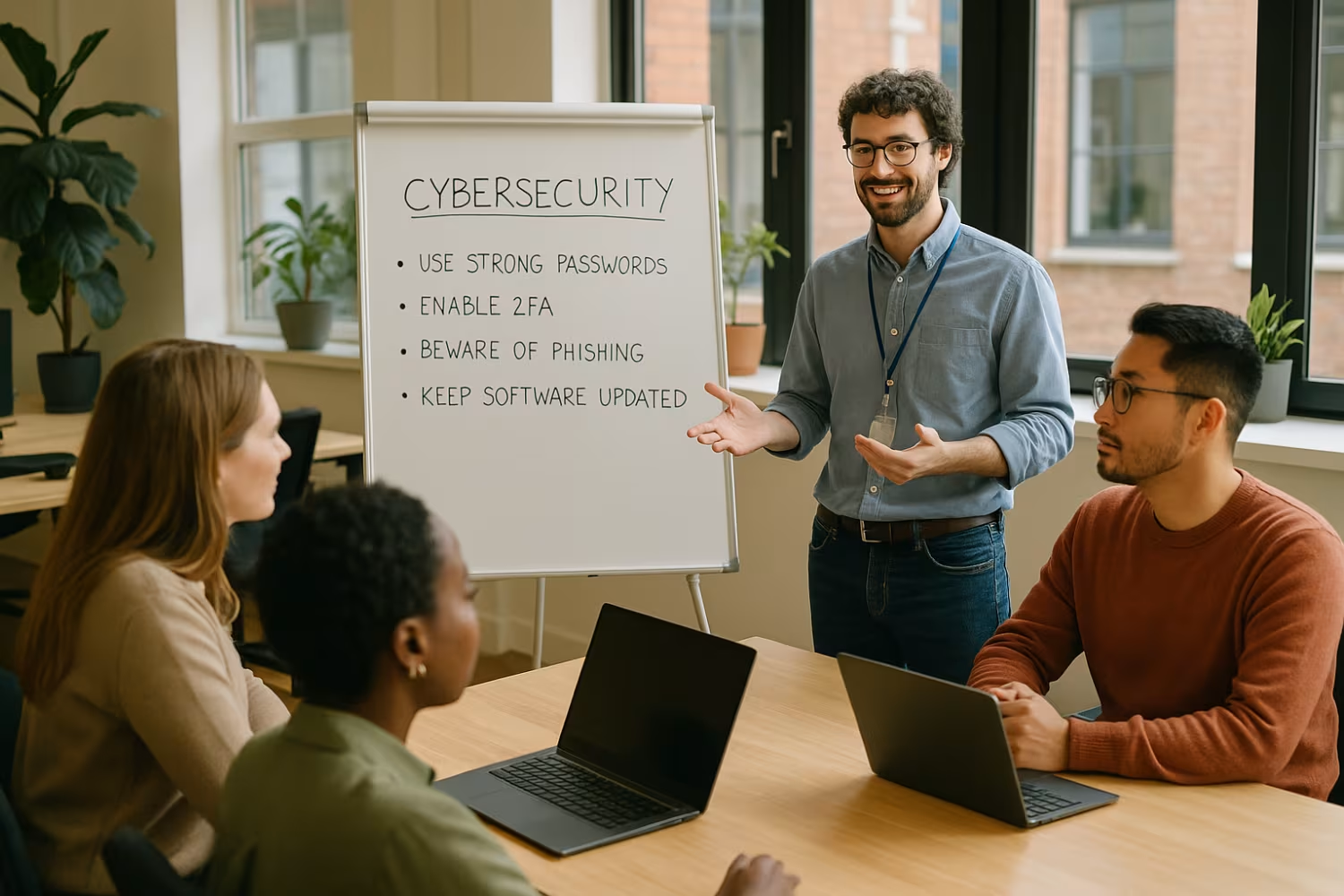
How Sonar IT can help with cybersecurity best practices for small businesses
Are you a business with 15–40 endpoints looking to improve your cybersecurity? If you're growing and need reliable systems to protect your data, now is the time to act. Many small businesses wait until after a breach to take cybersecurity seriously—don’t let that be you.
At Sonar IT, we help small businesses put the right security measures in place. From setting up secure networks to training your team, our experts make cybersecurity simple and effective. Contact us today to get started.
[.c-button-wrap2][.c-button-main2]Contact Us[.c-button-main2][.c-button-wrap2]
Frequently asked questions
What are the most common cyber threats facing small businesses?
Small businesses often face threats like phishing, ransomware, and data breaches. These attacks can lead to stolen sensitive information or system downtime. Because many small business owners don’t have dedicated IT support, they may not detect these threats until it’s too late.
To protect your business, it’s important to use strong passwords, encrypt data, and train staff to spot phishing attacks. Even basic security measures can reduce your vulnerability to cyber threats.
How can I protect sensitive data in my small business?
Start by identifying where your sensitive data is stored and who has access to it. Use encryption to protect files and secure your network with strong passwords and firewalls. Limit access to sensitive information based on job roles.
Regularly back up your data and monitor for any signs of a breach. These steps help ensure that even if a cyber attack occurs, your business could recover quickly and minimise damage.
Why is phishing such a big risk for small businesses?
Phishing attacks are easy to launch and often trick users into revealing passwords or downloading malicious software. Small businesses are frequent targets because they may lack employee training or email filtering tools.
Teaching your team how to recognise phishing emails is one of the best practices you can implement. It only takes one click on a fake link to cause a serious data breach or system compromise.
What should I do if my business suffers a data breach?
First, isolate the affected systems to prevent further damage. Then, assess what data was accessed and notify any impacted parties. It’s also important to report the breach to relevant authorities if required by law.
After that, review your security measures to find out how the breach happened. Update your systems, change passwords, and consider working with a cybersecurity expert to prevent future attacks.
How often should I update my cybersecurity systems?
You should update your software and systems as soon as updates become available. Many updates fix known vulnerabilities that cyber criminals can exploit. Delaying updates increases your risk.
Also, review your cybersecurity policies and employee training every 6–12 months. This helps keep your defences strong and ensures your team is aware of the latest threats.
Is cyber insurance worth it for a small business?
Yes, cyber insurance can be a valuable safety net. It helps cover the costs of recovery after a cyber attack, such as legal fees, data recovery, and customer notification.
While it doesn’t replace the need for strong security measures, it does provide financial support if something goes wrong. For small businesses, this can be the difference between recovery and closure.





%20(1)%20(1).avif)


